
SCHOOL WORLD  - NEWS
  • Home
  • EDUNEWS
  • EDUVLOG
  • EDUTECH
  • SCIENCE
  • BUSINESS
  • HEALTH
  • SPORTS
  • WORLD
  • EDUTAINMENT
  • RADIO
  • CONTACT US
No Result
View All Result
  • Home
  • EDUNEWS
  • EDUVLOG
  • EDUTECH
  • SCIENCE
  • BUSINESS
  • HEALTH
  • SPORTS
  • WORLD
  • EDUTAINMENT
  • RADIO
  • CONTACT US
No Result
View All Result
SCHOOL WORLD  - NEWS
No Result
View All Result
Home Technology

How to Set Default Apps on Android

SchoolWorldMedia by SchoolWorldMedia
April 24, 2022
in Technology
0
How to Set Default Apps on Android
0
SHARES
15
VIEWS
Share on FacebookShare on Twitter


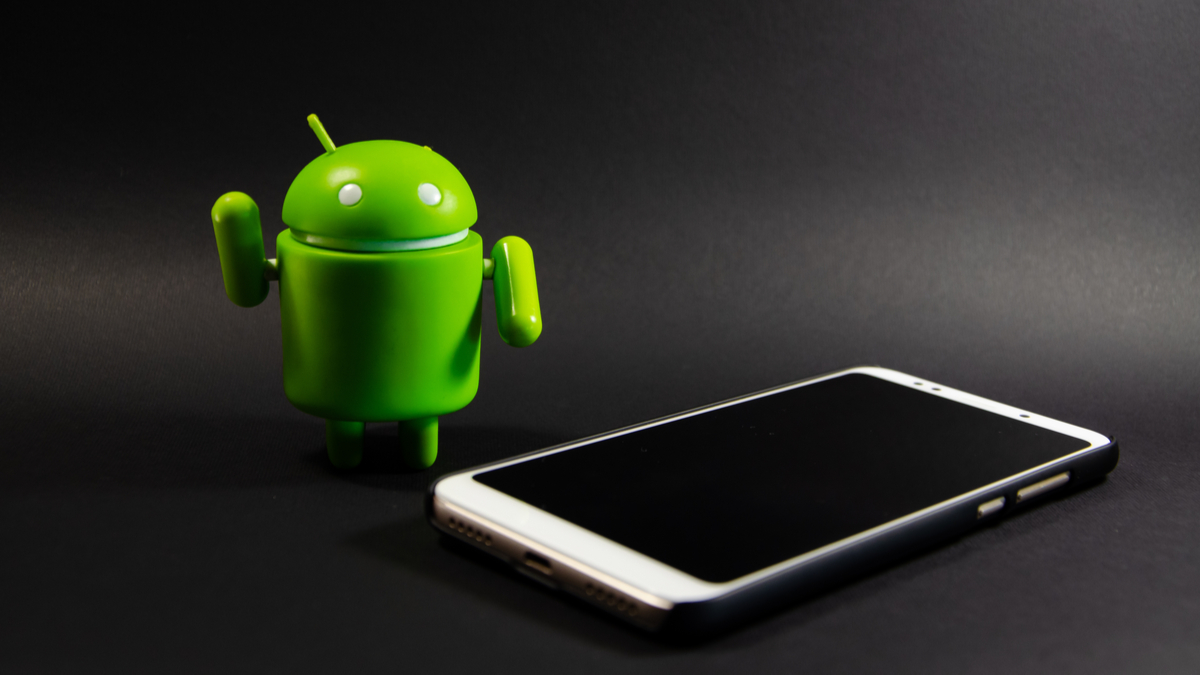
Android robot and phone.
Arthur_Shevtsov/Shutterstock.com

When you have multiple apps that do the same thing, Android asks you which one you want to be the “default.” This is one of Android’s best features and you should take advantage of it. We’ll show you how.

There are a number of different default app categories. You can set a default web browser, search engine, phone app, messaging app, home screen launcher, and more. When something happens that requires one of these apps, the one you chose as the “default” will be used.

RELATED: How to Change Browsers on Android

The good news is this process is essentially the same on every Android device. First, swipe down once or twice from the top of the screen—depending on your phone—to open the notification shade and tap the gear icon.

Next, go to “Apps.”

Go to "Apps."

Select “Default Apps” or “Choose Default Apps.”

Select "Default Apps."

Here are all the different categories of default apps. Tap one to see the options.

Choose a category.

You’ll see a list of all the apps you have installed that can be set as the default. Simply select the one you want to use.

Select an app.

That’s all there is to it! You can go through and do this for all the different categories.

Whenever you install a new app that can be set as a default–like a home screen launcher or web browser—this will effectively reset your default preference for that category, allowing you to set the newly-installed app as default without having to go through much hassle. If you want to change it back, just follow these instructions again.

RELATED: How to Reset Default Apps on Android



Source link

Previous Post

NBA playoff scores: First-round results, series schedule, TV channel, time, dates with postseason underway

Next Post

Structures Considered Key to Gene Expression Are Surprisingly Dynamic and Short-Lived

SchoolWorldMedia

SchoolWorldMedia

Next Post
Structures Considered Key to Gene Expression Are Surprisingly Dynamic and Short-Lived

Structures Considered Key to Gene Expression Are Surprisingly Dynamic and Short-Lived

Leave a Reply Cancel reply

Your email address will not be published. Required fields are marked *

Recent News

Brewers clinch playoff spot: Three reasons why they’re a World Series contender

Brewers clinch playoff spot: Three reasons why they’re a World Series contender

September 12, 2026
A year after lawmakers veto equality bill, LGBTQ Hongkongers still hope for change

A year after lawmakers veto equality bill, LGBTQ Hongkongers still hope for change

September 12, 2026
I couldn’t experience my baby scan but blind parents like me can now feel them

I couldn’t experience my baby scan but blind parents like me can now feel them

September 12, 2026
Roundtables: AI’s apocalypse crisis | MIT Technology Review

Roundtables: AI’s apocalypse crisis | MIT Technology Review

September 12, 2026
Follow Us:

Browse by Category

Business
Edunews
Edutainment
Eduvlog
Election
Health

Science
Sports
Technology
World

Recent News

Brewers clinch playoff spot: Three reasons why they’re a World Series contender

Brewers clinch playoff spot: Three reasons why they’re a World Series contender

by SchoolWorldMedia
September 12, 2026
0

A year after lawmakers veto equality bill, LGBTQ Hongkongers still hope for change

A year after lawmakers veto equality bill, LGBTQ Hongkongers still hope for change

by SchoolWorldMedia
September 12, 2026
0

@ 2023 – All Rights Reserved by > SchoolWorldMedia.com | Privacy policy

No Result
View All Result
  • Home
  • EDUNEWS
  • EDUVLOG
  • EDUTECH
  • SCIENCE
  • BUSINESS
  • HEALTH
  • SPORTS
  • WORLD
  • EDUTAINMENT
  • RADIO
  • CONTACT US

© 2026 JNews - Premium WordPress news & magazine theme by Jegtheme.