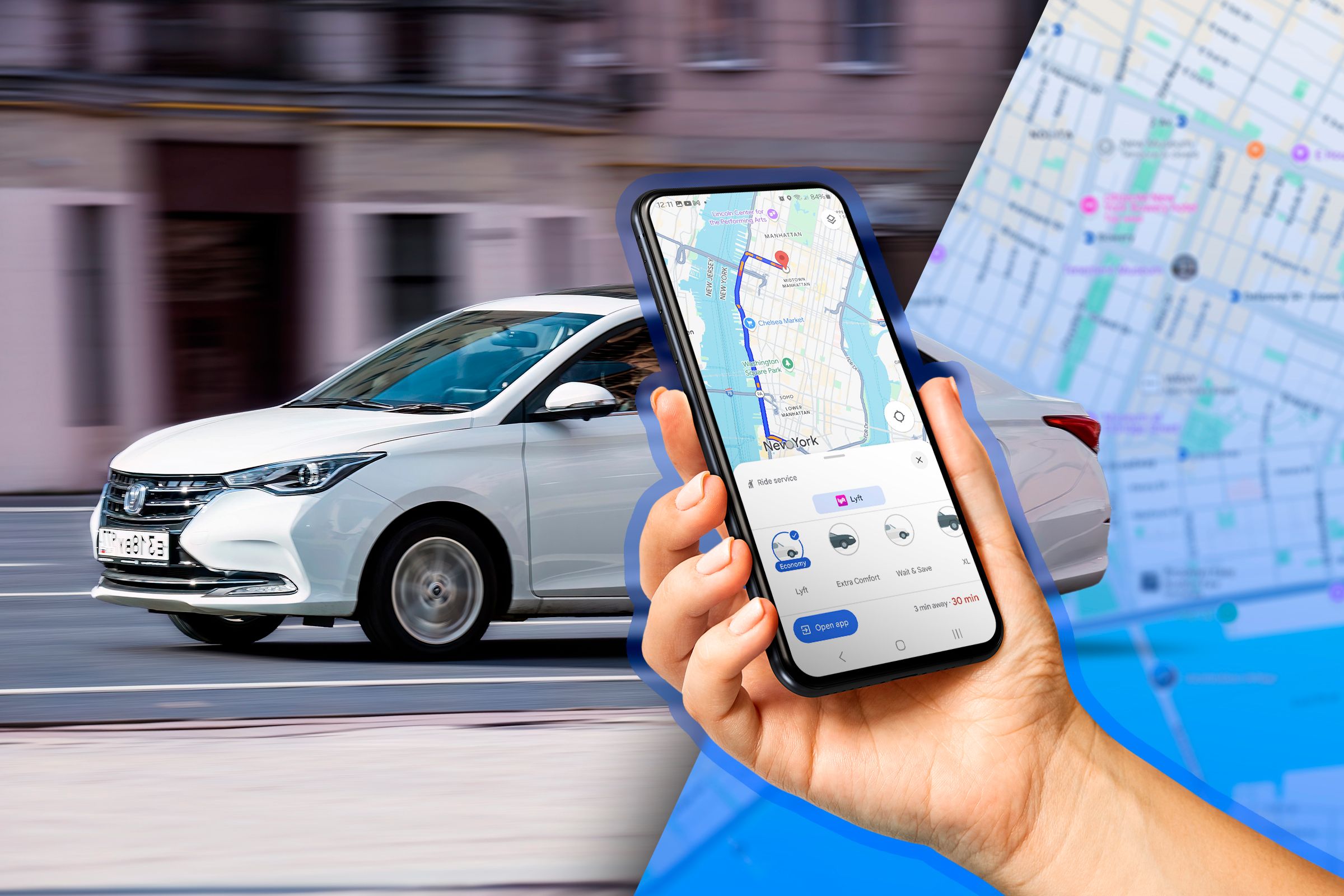

Wouldn’t it be so much easier to book a cab directly from Google Maps? With the “Request a Ride” feature, you can quickly find a ride from your exact location without switching apps or typing in addresses. Just a few taps, and you’re ready to go!
Why Use Google Maps To Order a Ride?
One of the biggest perks of ordering a ride through Google Maps is convenience. Since most of us already rely on Google Maps to find directions and navigate to places, having a rideshare option in the same app feels like a natural extension. You don’t need to memorize addresses or worry about entering them manually; Google Maps already knows your location and can automatically pinpoint the closest pickup spot. So, as soon as you open the app, you’re essentially halfway to booking a ride!
Another reason to use Google Maps to order a ride is its ability to compare options side-by-side. When you tap the “Request a Ride” button, Google Maps will display available rideshare options, often from different providers, along with estimated fares and wait times. This feature makes it easier to decide between an Uber or Lyft, for example, and choose the one that best suits your budget and schedule—all from a single screen.
Google Maps’ interface is also very helpful for safety. Because it’s designed for navigation, Google Maps provides real-time tracking that shows your location throughout your trip. This integration can save you time and hassle, especially when you’re in a hurry or just want the easiest option for booking a cab.
How To Order a Ride With Google Maps?
Ordering a ride through Google Maps is simple and only takes a few steps. Start by opening the Google Maps app on your iPhone or Android phone.

Type in your destination in the search bar at the top of the screen.

Select the correct location from the list that appears.

Once your destination is set, tap the “Directions” button (the arrow icon) at the bottom of the screen.

If location is not enabled on your device, Google Maps will prompt you to input your start location. Type that in. If Location is enabled on your device, move to the next step.

Once you’ve typed in your address, you will see different ways to get to your destination, like driving, walking, biking, or taking public transit.
Scroll across the transportation options at the top until you find the “Ride Service” tab. The icon looks like a person with a briefcase raising one hand.

The ride service displays rideshare options like Uber, Bolt, Gett, or Lyft, showing estimated fares, times, and vehicle options.

When you’ve spotted the perfect ride option, all that’s left is to tap on it. Google Maps will then give you a prompt to switch over to the rideshare app to confirm your booking.

Just hit “Open App,” and your chosen service will launch, showing you any final details. You can select your pickup spot, confirm the ride, and you’re all set to go. It’s that easy! Google Maps keeps everything streamlined, so you get a hassle-free ride experience, all in just a few taps.
What Information Is Shared With the Ride-Service Providers?
When you use Google Maps to request a ride, only the necessary information is shared with the ride-service providers to ensure your trip goes smoothly. Specifically, Google Maps shares your pick-up location and destination with the ride provider once you select a ride option in your area. This allows them to give you an accurate estimate of cost and wait time without revealing extra details.
It’s worth noting that personal location names you’ve saved in Google Maps—like “Home” or “Work”—are kept private and aren’t shared with the ride-service provider. Additionally, your current location isn’t sent unless it’s directly involved as your pick-up or drop-off spot. Google also limits sharing to only the navigation information needed to connect you to the ride services available in your region. So, rest assured, only the essential trip details go through to the ride-service provider, keeping your personal information secure.
With Google Maps, getting around has never been simpler. From booking a ride to finding bus routes and knowing exactly what information is shared, it’s designed to keep your travels easy and secure. Whether you’re taking a quick cab or planning a longer commute, Google Maps provides everything you need in one place, helping you navigate with confidence and convenience. So, next time you’re planning a trip, give these features a try to make your journey even smoother.